Receive Incoming Shipment
Receive Incoming Shipment
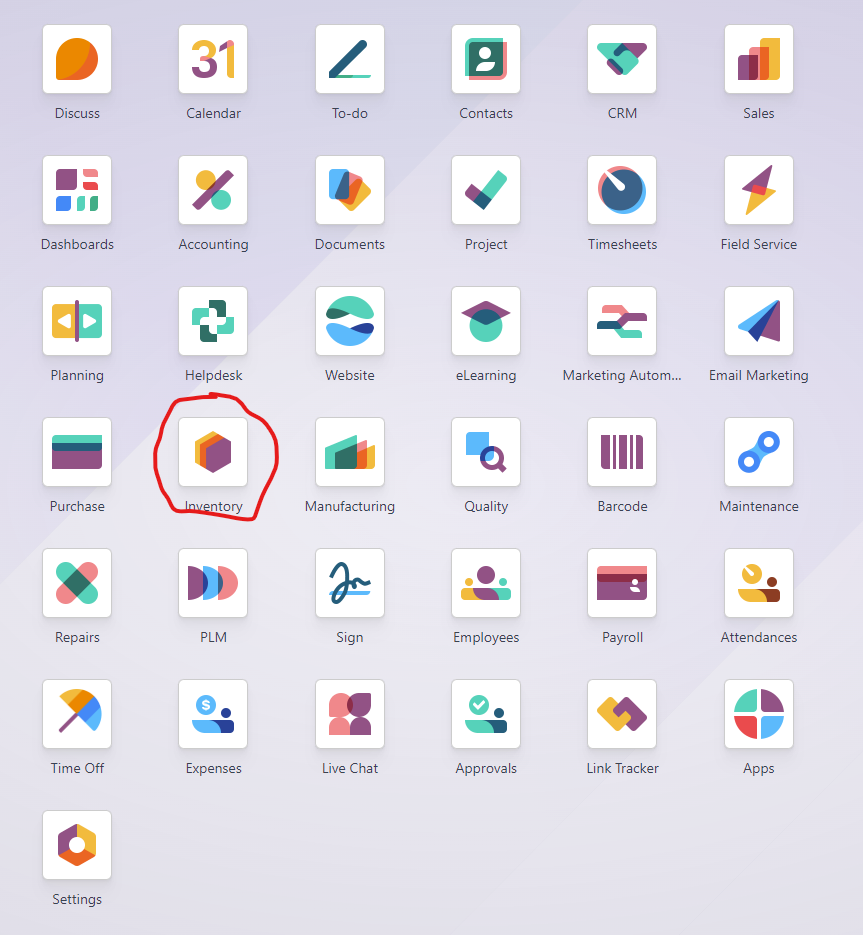
- Navigate to Inventory
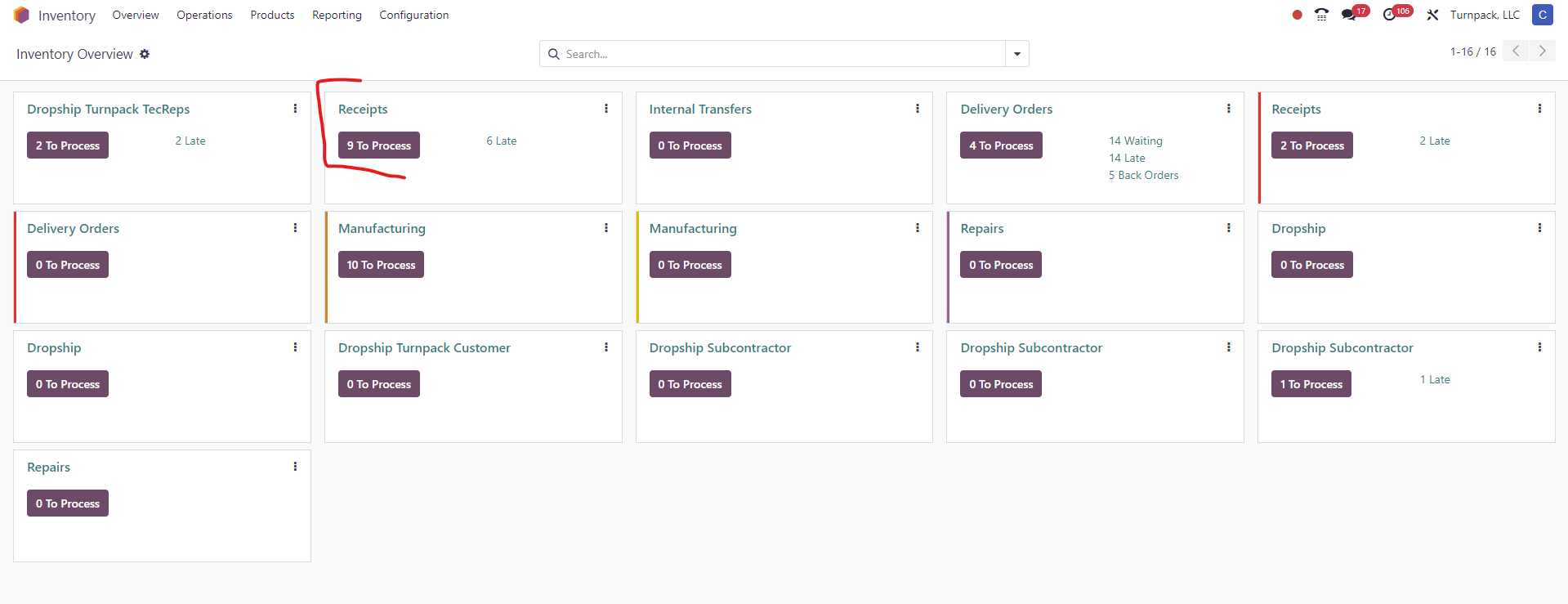
- Select Receipts
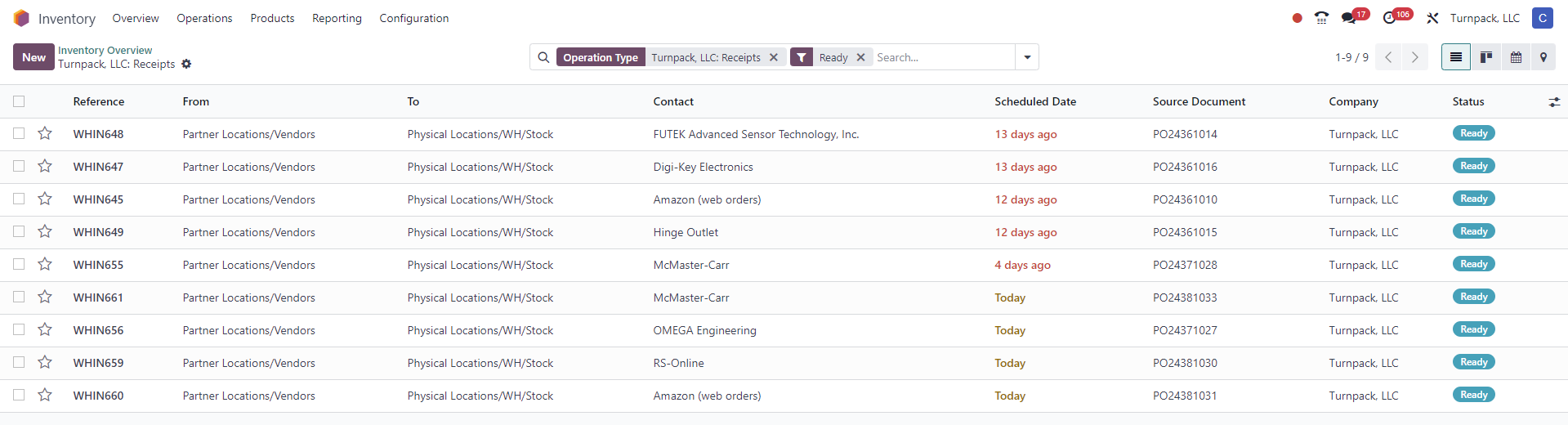
- From the List shown locate the correct inventory record (either check by PO, by Vendor or by Date)
- Verify all line items are in the physical shipment and the correct qty was delivered
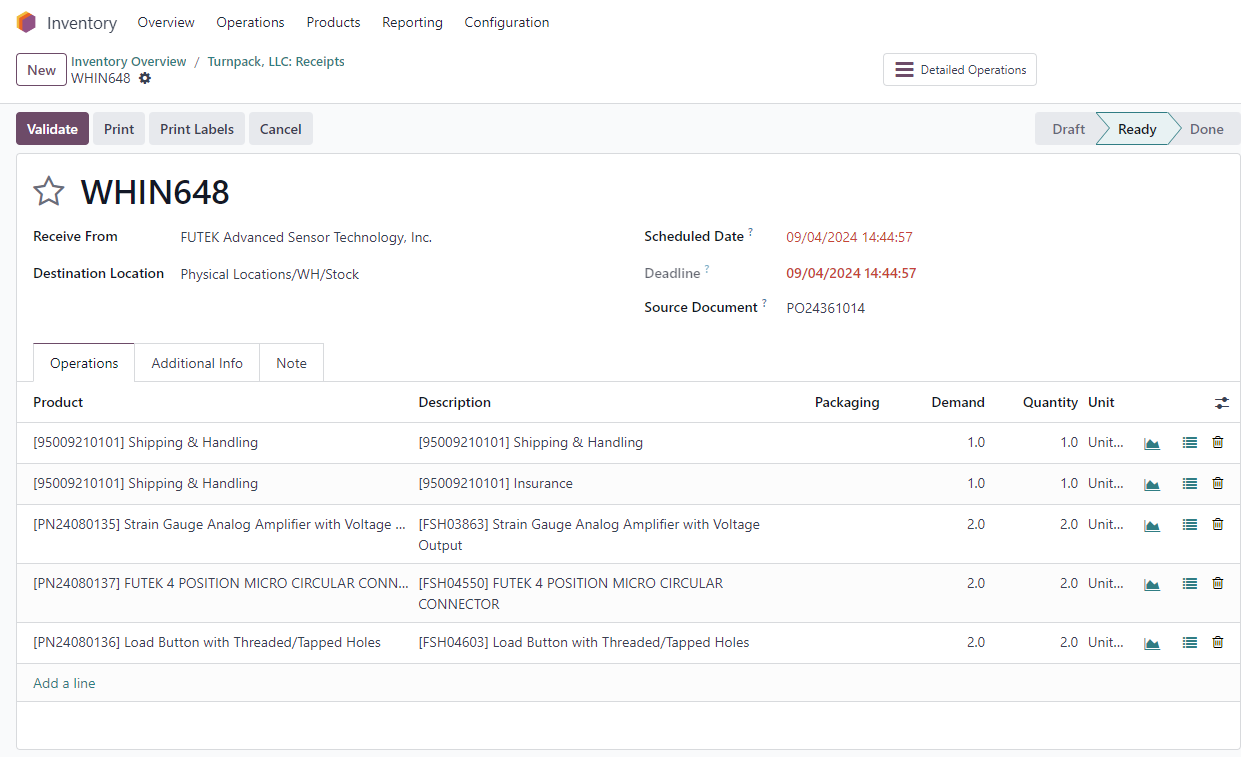
- If the Qty does not match the physical count adjust the qty column accordingly. If a line item is missing form the shipment adjust the qty to 0

- Once all line items are adjusted properly click the Validate button
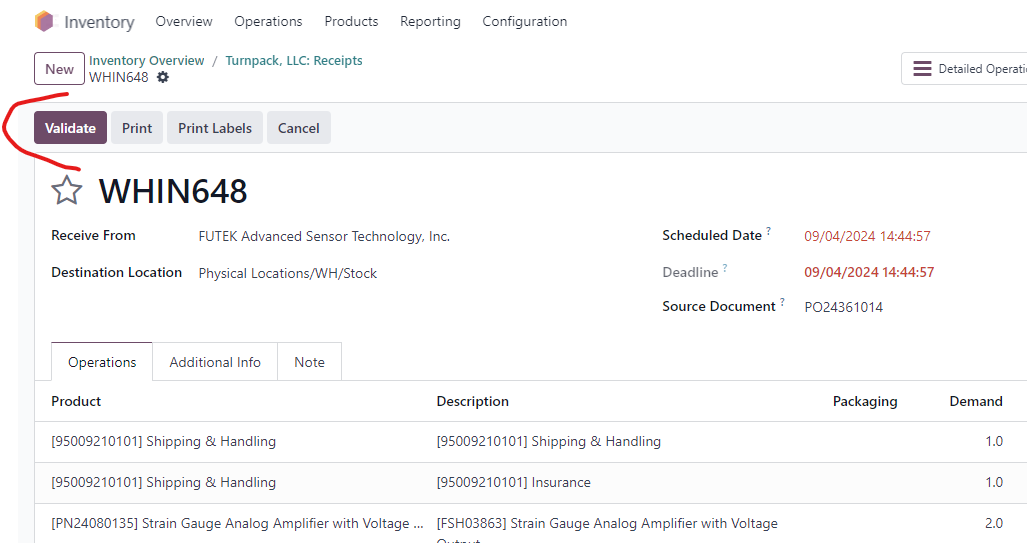
- Serial Numbers: For some line items the entry of a serial number may be required. When a line item requires serial or lot numbers a + sign will show on the line item. The serial numbers must be entered before the Receipt can be validated

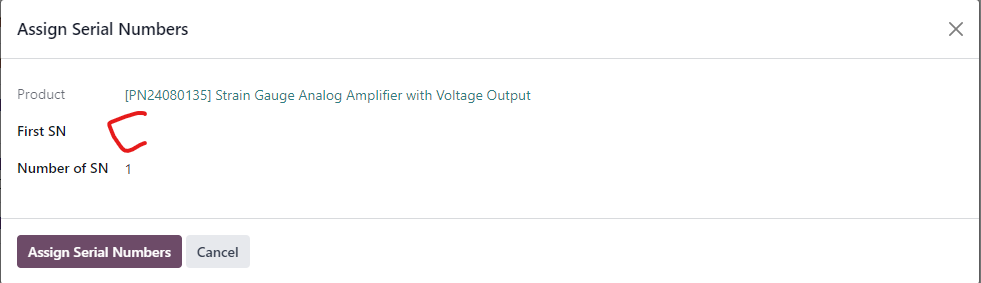
- If a shipment has many serial numbers and all serial numbers are consecutive only the first serial number has to be entered and by adjust the number field the remaining serial numbers will automatically be created.